
Quick Answer
- Automatically checks what every supplier charges for the same item, line by line
- Lets you buy at the lowest available price without switching vendors
- Look for real vendor coverage before buying
- Should offer automated invoice or ordering data capture
- Needs unit-price normalization (so a “case” means the same thing across suppliers)
- Should include price-change alerts
- Should integrate cleanly with your existing POS and accounting tools
- The best tools should pay for themselves within the first month
Introduction
Food costs eat up nearly a third of most restaurant budgets — and yet plenty of operators are still comparing vendor invoices by hand! If you’ve ever caught a supplier quietly raising prices on a case of chicken thighs three months in a row, you already know why a restaurant vendor price comparison tool isn’t a luxury anymore. It’s table stakes. The right software watches every vendor, every item, every order — automatically, and flags exactly where you’re leaving money on the table.
Here’s the catch: not all restaurant price comparison software is built the same. Some tools are glorified spreadsheets with a nicer coat of paint. Others actually pull live pricing from your distributors and do the math for you. This guide breaks down exactly what to look for before you buy, so you don’t end up paying for a shiny dashboard that can’t actually save you money.
What Is a Restaurant Vendor Price Comparison Tool (and Why Do You Need One)?
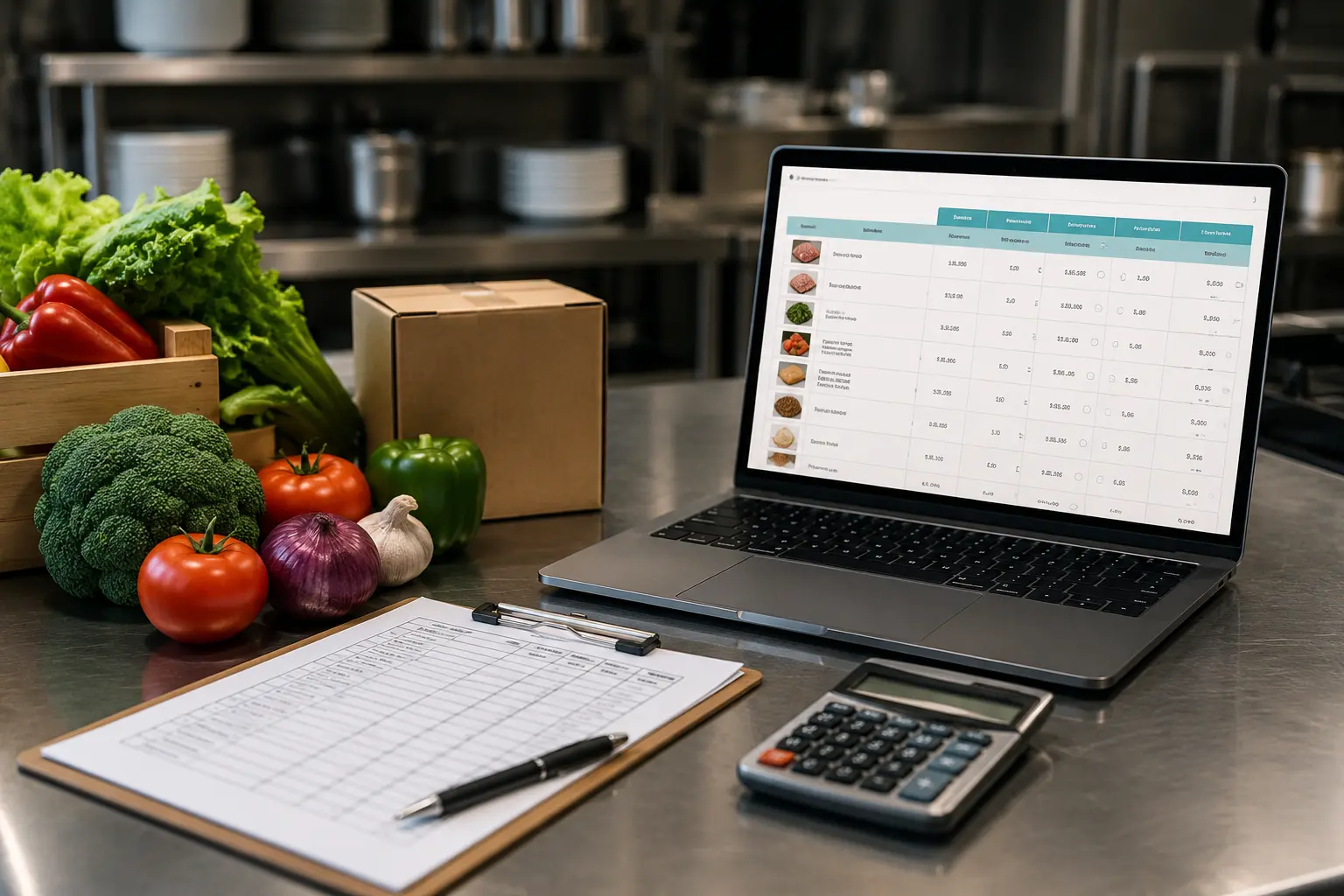
A restaurant vendor price comparison tool is software that pulls pricing from your food distributors — Sysco, US Foods, PFG, regional suppliers, all of them — and lines it up item by item so you can see, at a glance, who’s actually cheapest today. That’s different from a general expense tracker, which just tells you what you spent, not what you should have spent.
Here’s why that distinction matters:
- Distributor prices shift weekly, sometimes daily, based on market conditions
- Case sizes, pack counts, and units vary between vendors, making manual comparison error-prone
- Rebates, promos, and contract pricing rarely show up clearly on a standard invoice
- Most kitchens don’t have the staff hours to audit every invoice line by line
With food cost sitting at 28–35% of revenue for most full-service restaurants, even small, unnoticed price creep adds up fast. Genius Food Purchasing’s real-time price comparison engine handles this automatically, checking every order against live vendor pricing instead of relying on a manual audit that happens once a quarter, if at all.
Core Features to Look for in Restaurant Price Comparison Software
Not every tool on the market actually does what it claims. When you’re evaluating restaurant price comparison software, these are the non-negotiables:
- Automated invoice or order-data capture — no manual data entry required
- Multi-vendor, line-item price benchmarking — every item, every supplier, side by side
- Unit-price normalization — converts case, pound, and each-based pricing to a true apples-to-apples comparison
- Historical price trend tracking — so you can spot creeping increases before they eat your margin
- Price-change alerts — a heads-up the moment a vendor raises rates
- POS and inventory integration — so pricing data connects to what you’re actually selling
If you’ve noticed any of the common signs of overpaying your food distributor, a price comparison tool takes the manual audit work off your plate and runs it automatically, every time you order.
Vendor Coverage and Data Accuracy
A comparison tool is only as good as the vendors it actually covers. If your software only pulls pricing from two of your five suppliers, you’re still flying half-blind. Ask about:
- How many distributors and regional suppliers the platform actually tracks
- Whether coverage is national, regional, or limited to a handful of big-name vendors
- How often pricing data refreshes — real-time, daily, or only at invoice time
- How the tool handles private-label items or SKUs that don’t match cleanly across vendors
This is where a lot of restaurant vendor price comparison tools quietly fall short. Reviewing a detailed restaurant supplier comparison before you commit can save you from discovering — three months in — that your favorite regional produce vendor was never in the system to begin with.
Ease of Use and Onboarding for Restaurant Teams
The best software in the world is useless if your kitchen team won’t touch it. Before you buy, look closely at:
- How long setup takes and whether it requires connecting existing vendor accounts
- Mobile access for managers checking prices from the loading dock or the walk-in
- The learning curve for staff who aren’t especially tech-savvy
- The quality (and responsiveness) of customer support during onboarding
Good restaurant vendor management software should slot into the ordering process your team already follows — not force everyone to learn a new system from scratch. If a vendor is promising a multi-week onboarding, that’s a red flag, not a selling point.
Reporting, Alerts, and Actionable Insights
Comparing prices is only half the job — the software also needs to tell you what to do with that information. Look for:
- Custom savings reports broken out by category, vendor, or location
- Automated alerts when a vendor’s price jumps or a contract term is violated
- Side-by-side comparison across locations for multi-unit groups
- Clean, exportable data your accounting or finance team can actually use
This is where a lot of the real margin protection happens day to day — tools that track cost control in the background mean nobody has to remember to run a report; the alert just shows up when something changes.
Pricing Models and ROI of Vendor Comparison Software
Before you sign anything, understand exactly what you’re paying for and how it’s structured. Common models include:
- Flat subscription pricing
- Per-location fees for multi-unit operators
- Percentage-of-savings arrangements
- Hidden costs — setup fees, integration fees, or data caps buried in the fine print
Calculate expected ROI against your current monthly food spend before committing. A tool that costs $300 a month but finds $4,000 in monthly savings is an easy call; one that costs the same but can’t show its work is not. Comparing pricing structures side by side — and watching for long contracts or vague quotes — will tell you a lot about how confident a vendor actually is in their own product.
Questions to Ask Before You Buy
Before you sign a contract for any restaurant vendor price comparison tool, get straight answers to:
- Can I see a live demo using my actual vendor data, not a sample dataset?
- What integrations does it support out of the box — POS, accounting, inventory?
- How is vendor pricing data sourced, and how often is it verified?
- What does support look like after onboarding is finished?
- Can the platform scale if I add locations, vendors, or menu items?
A vendor who hesitates on the first question- a live demo with your real numbers- is telling you something. It’s worth reading how operators evaluate distributors generally, like this breakdown of Sysco vs. US Foods vs. regional distributors, before you decide which comparison software fits your vendor mix.
FAQ
What does a restaurant vendor price comparison tool actually do?
It automatically checks pricing across all your food distributors for the same items and flags where you’re paying more than you need to, replacing manual invoice audits.
Is restaurant price comparison software worth it for a single-location restaurant?
Yes — independent operators often have less time to audit invoices manually, which makes automated comparison even more valuable relative to the cost.
Do I have to switch vendors to use a price comparison tool?
No. Most tools, including Genius, work with the distributors you already order from — they just make sure you’re getting the best price from each one.
How much can a restaurant save with vendor price comparison software?
Savings vary, but many operators see 10% or more off total food spend once pricing gaps and missed rebates are surfaced.
How is this different from inventory management software?
Inventory software tracks what’s on your shelves; a vendor price comparison tool tracks what you’re paying for it. The two work best together.
Conclusion
Choosing the right restaurant vendor price comparison tool comes down to one question: will it actually surface savings you can act on, or just make spreadsheets look prettier?
Focus on real vendor coverage, accurate data, and integrations that fit how your kitchen already operates; the rest is nice-to-have. Ready to stop overpaying on invoices you never had time to check? Start comparing a couple of options this month and let the numbers do the talking.
Note: Found a pricing gap? The data only pays off once you use it — see our breakdown of how to negotiate food distributor prices for a step-by-step script.